Workplaces have changed. Teams are more flexible, hybrid work is normal, and offices now need to support everything from quiet focused work to video calls, client meetings, and larger team sessions.
That is where workplace management systems come in. Instead of treating room booking, meeting technology, visitor access, and office automation as separate issues, a good workplace setup brings them together into one smoother experience. For businesses looking at workplace management or broader commercial AV, the real goal is simple: make the office easier to use, easier to manage, and better suited to the way people work now.
What workplace management means
Workplace management is not just about booking meeting rooms. It is a wider approach to making office spaces function better.
In practice, that can include room booking, desk booking, visitor management, meeting room AV, wireless presentation, hybrid conferencing, and the systems that help staff move through the day with less friction.
When these tools work properly, people spend less time solving small operational problems and more time actually doing their work. That is why so many businesses are now investing in workplace technology that supports flexibility, collaboration, and visibility across the office.
Why workplace management matters more now
Modern offices have more moving parts than they used to. A team might be partly in the office, partly remote, and using the same spaces very differently from one day to the next.
Without the right systems, offices often run into the same problems:
- meeting rooms being double-booked
- underused desks and shared spaces
- poor visibility over which rooms are free
- frustrating meeting technology
- difficult visitor check-ins
- wasted time before presentations and calls even begin
Over time, those small issues create a workplace that feels harder to use than it should. A stronger workplace AV and management setup removes a lot of that friction.
The core parts of a workplace management system
Not every office needs the same setup. However, there are a few features that usually make the biggest difference.
Room booking
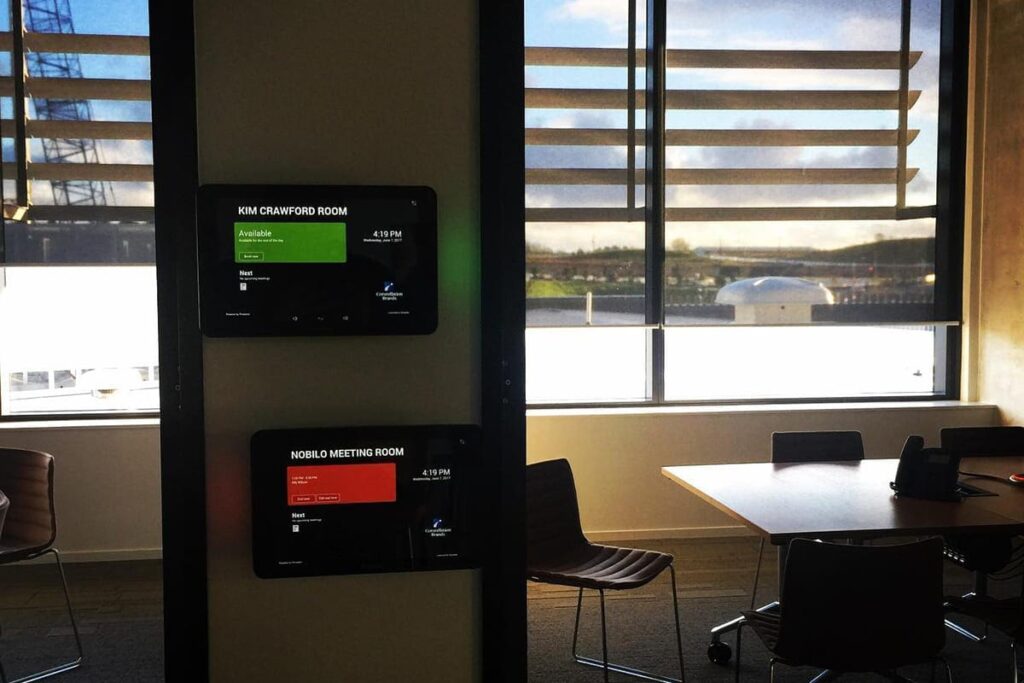
Room booking is often the most obvious starting point. Staff need to know which rooms are available, when they are booked, and what each space is designed for.
A good booking system makes that visible immediately. Instead of checking manually or interrupting another meeting, people can see room status clearly and book space with less confusion.
This works especially well when it is tied into meeting room technology. Projects like Rothbury Insurance Auckland and Constellation Brands Westgate show how room booking and AV can work together rather than as separate systems.
Hybrid meeting and conferencing technology
Room booking is only part of the story. Once people step into the room, the meeting still needs to work.
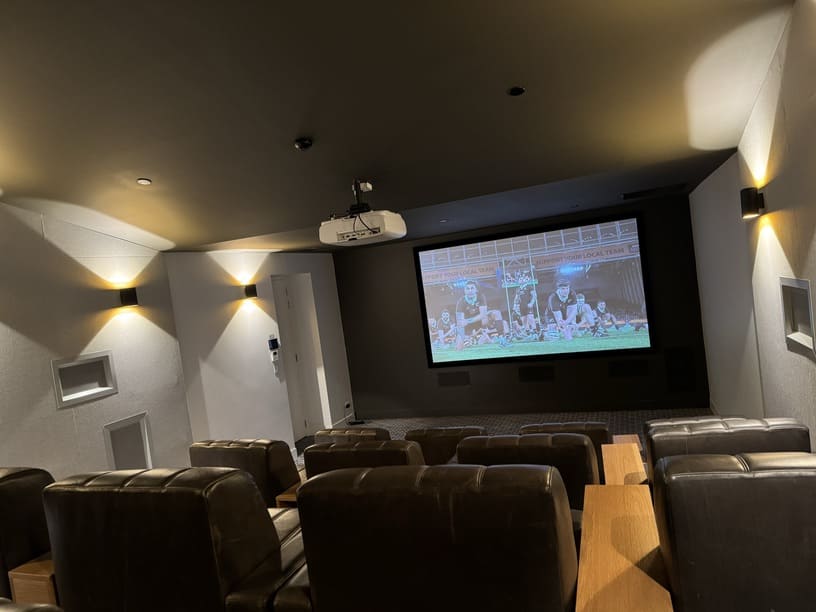
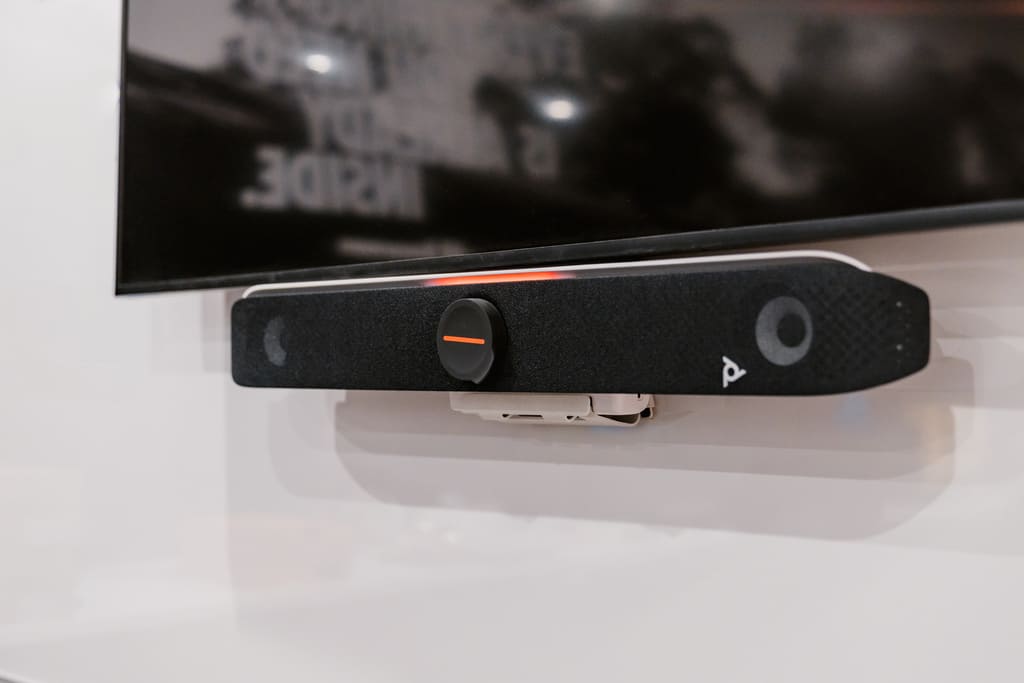
That means clear audio, reliable displays, straightforward controls, and conferencing tools that do not waste the first ten minutes of every meeting. For many businesses, this is now essential rather than optional.
If hybrid work is part of how your team operates, then video conferencing solutions should be considered alongside room booking and workplace control, not after them.
Wireless presentation
People expect to walk into a room, connect quickly, and present without hunting for cables or calling IT.
Wireless presentation tools make that process faster and more reliable. They also reduce clutter and make meeting spaces more flexible for internal sessions, client presentations, and team collaboration.
Desk booking and hybrid work support
Some offices need room scheduling. Others also need desk booking.
For hybrid teams, desk booking helps avoid underused space and gives staff more confidence about where they will work when they come in. It also gives the business better visibility over how the office is actually being used.
Visitor management
Visitor management is another area that often gets overlooked until it becomes a problem.
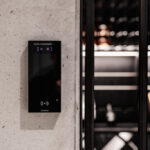
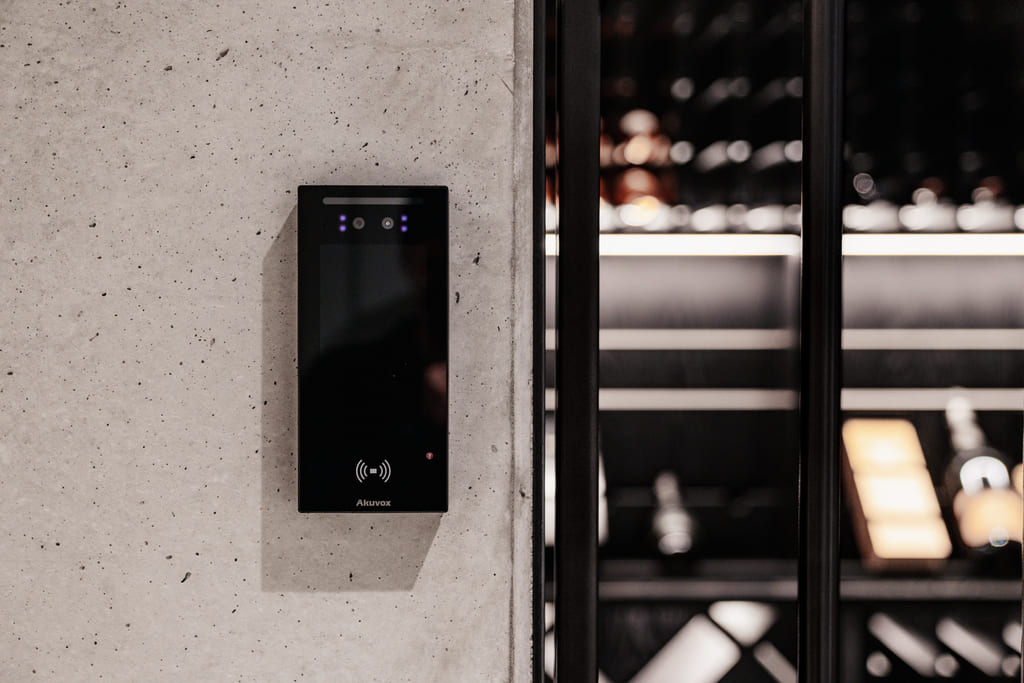
A better setup can help with check-in, access, visibility, record-keeping, and the overall front-of-house experience. In some workplaces, this also links naturally with security systems and access control.
Office wayfinding and live room status
Larger offices or more complex layouts often benefit from clearer wayfinding and live room availability.
This might be as simple as meeting room screens showing current status, or as advanced as interactive displays that help people navigate the workplace more easily.
Data and usage insights
A workplace management system should not just help people use the office. It should also help the business understand the office better.
That includes data such as:
- room usage
- peak demand times
- desk occupancy
- visitor trends
- how often certain spaces sit empty
That kind of visibility can support better decisions about layout, future fitouts, and how much space is really needed.
What makes a workplace feel easier to use
A good workplace system does not feel complicated. In fact, the best setups usually feel simple because so much of the complexity has been handled behind the scenes.
For example:
- meeting rooms open with the right technology ready to go
- staff can see availability immediately
- presentations start without delays
- hybrid calls sound clear
- booking and scheduling feel intuitive
- office spaces are easier to manage overall
That is where integrated design matters. It is not just about adding room panels or new displays. It is about making the whole environment work better.
Common workplace management mistakes to avoid
There are a few mistakes that come up often when businesses upgrade office technology.
Treating room booking as a standalone fix
Room booking helps, but on its own it will not solve a poorly functioning meeting room. Booking, AV, conferencing, and usability need to be considered together.
Choosing technology before defining the office workflow
The better question is not “what screens should we buy?” It is “how do people actually use this office?”
That matters because an office built around real workflows will nearly always perform better than one built around isolated products.
Making systems too hard to use
If staff need technical support every time they start a meeting, the system has already failed. Simplicity matters.
Ignoring future growth
A workplace system should support growth, not limit it. That is one reason scalable solutions are worth planning from the start.
Forgetting the human side of the office
A good workplace should support collaboration, concentration, flexibility, and confidence. Technology should help that, not get in the way.
Real workplace projects
If you want to see how these ideas work in real offices, these projects are a good place to start.
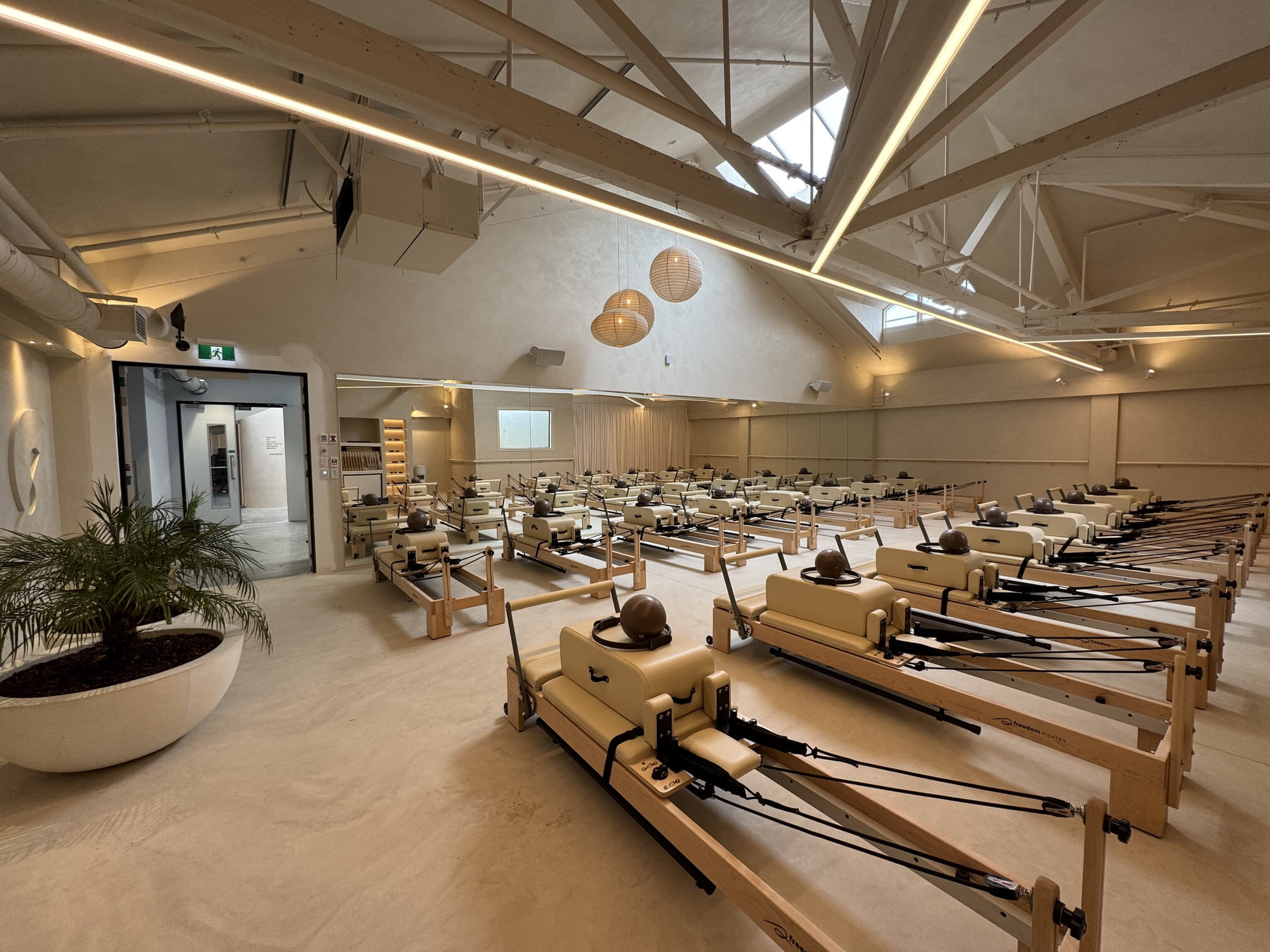
Constellation Brands Westgate brought together workplace AV, room booking, hybrid meeting technology, and event-ready audio to create a more connected commercial office.
Rothbury Insurance Auckland combined workplace management, AV, room booking, and conferencing to support a smoother office transition and better day-to-day usability.
Boffa Miskell Christchurch focused on workplace AV and collaboration technology across meeting rooms and shared office spaces to support hybrid work and internal presentations.
These projects show that workplace management is not one fixed product. It is a way of designing an office so that the technology supports how people actually work.
Why integrated delivery matters in an office fitout
This is where many workplace projects go wrong. Room booking gets handled by one provider, AV by another, and connectivity or security by someone else. As a result, the systems may all work individually, but the overall office still feels fragmented.
A more joined-up approach usually leads to:
- better usability
- cleaner installation
- simpler support
- stronger long-term flexibility
- a better experience for staff and visitors
That is why integrated thinking matters so much in modern offices. It is also the same thinking behind One Team for Electrical, AV, Security and Wi-Fi.
Frequently Asked Questions (FAQs)
Planning a workplace upgrade?
If your office is dealing with booking conflicts, poor meeting room usability, or technology that feels harder than it should, workplace management is worth looking at properly.
Safe N Sound helps businesses bring together room booking, AV, conferencing, workplace control, and supporting systems into one coordinated solution. When these elements are planned together, the result is a workplace that feels easier to use, more flexible, and far better suited to modern work.