
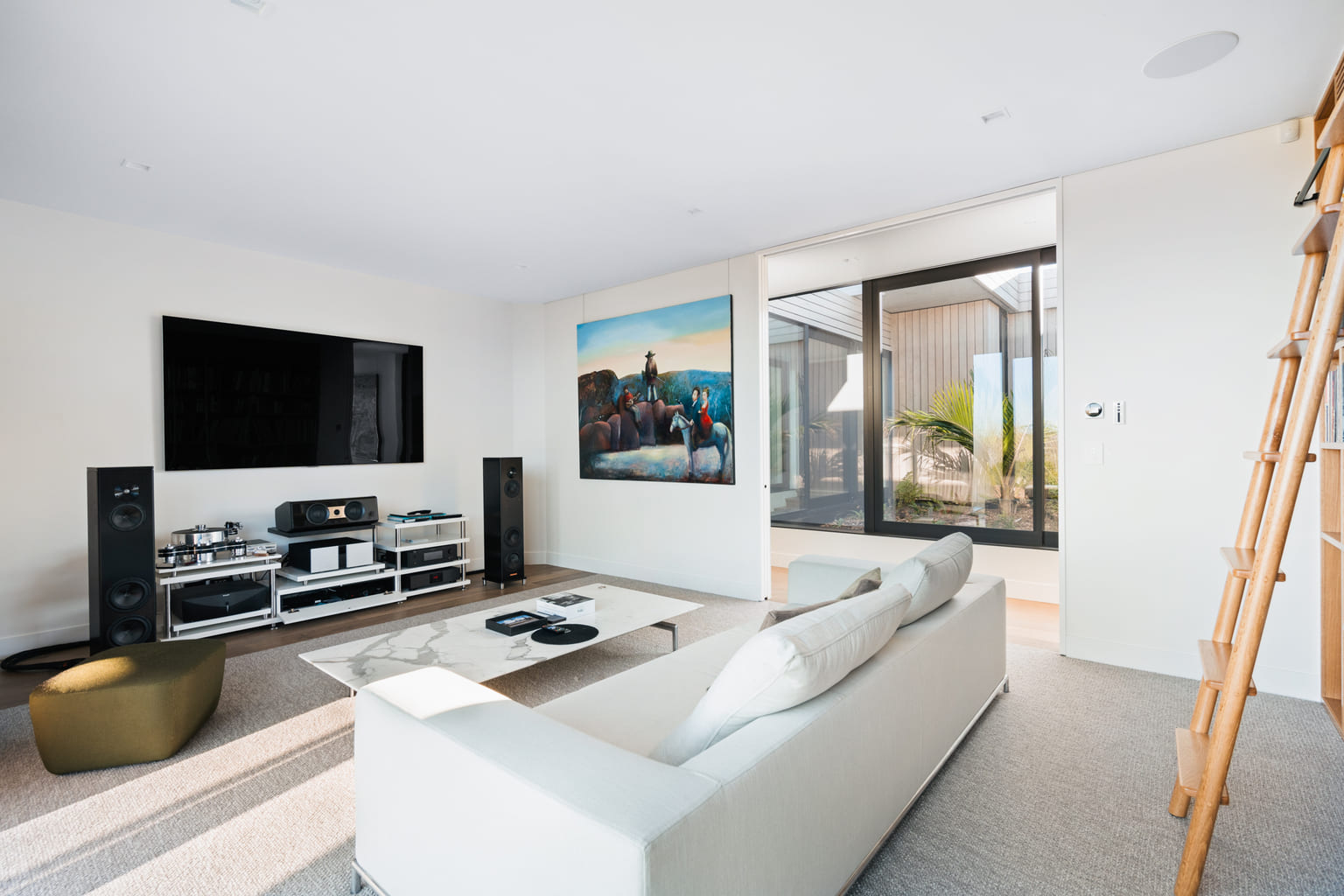
The best smart home technology does not demand your attention. It works quietly in the background, making everyday routines easier, spaces more comfortable and your home simpler to manage.
That might mean the lights welcoming you home after dark, the heating adjusting before you wake up, or one button preparing the house when you leave. It could also mean checking your security remotely, controlling music across several rooms or managing a holiday property from another city.
For a broader explanation of how automation, AV, security, lighting and networking work together, start with The Smart Home Technology Guide for NZ Homes. This article focuses on the practical side: what smart home solutions can actually do to improve daily life.
What makes a smart home genuinely useful?
A smart home is not defined by the number of devices installed. What matters is whether those systems work together in a way that suits the household.
Useful automation should reduce repeated tasks, make controls easier to find and remove unnecessary steps from daily routines.
Here is what that can look like:
| Everyday Situation | What your smart home can do |
|---|---|
| Arriving home after dark | Turn on selected lights, adjust the temperature and disarm the alarm |
| Starting the morning | Gradually open blinds, bring up the lights and play music or radio |
| Hosting friends | Set the lighting, music and entertainment areas with one command |
| Leaving for the weekend | Switch off selected lights, lower heating and arm the security system |
| Watching a film | Prepare the television, audio, blinds and lighting without several remotes |
| Checking the property remotely | View cameras, check doors and confirm the alarm status from your phone |
The goal is not to automate everything. It is to identify the small actions you repeat regularly and make them easier.
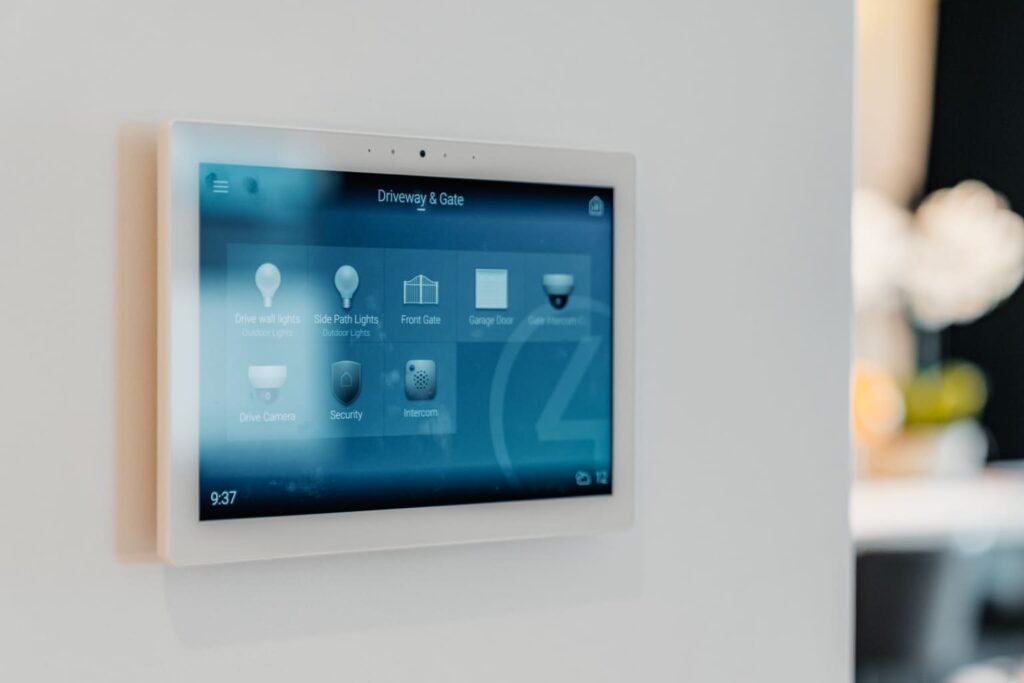
1. Simplify your morning and evening routines
The beginning and end of the day often involve several small tasks.
In the morning, you may open blinds, adjust lighting, turn on heating and play music. At night, you may check the doors, switch off lights and arm the alarm.
A smart home can group these actions into simple scenes.
A Morning scene could:
- gently increase bedroom lighting
- open selected blinds
- warm the main living areas
- start a preferred playlist or radio station
A Goodnight scene could:
- switch off lights throughout the house
- close motorised blinds
- lock connected doors
- arm selected security zones
- lower the heating
Instead of moving through the entire home checking each system individually, the routine can be activated from a wall keypad, app or touchscreen.
2. Make arriving home more comfortable
Coming home should not involve walking into a dark, cold house and searching for several different controls.
A personalised arrival scene can prepare the areas you use first. Depending on the system, it might turn on entrance and hallway lighting, adjust the room temperature and play music in the kitchen or living area.
These routines can be activated manually or linked to an action such as unlocking the front door.
The system should still leave you in control. Automation works best when it supports your habits without forcing the home into a rigid schedule.
3. Create the right setting for entertaining
Lighting, music and entertainment all affect how a space feels when guests arrive.
A smart home scene can prepare several systems together. For example, an Entertaining scene might:
- soften the main lighting
- turn on feature or outdoor lights
- play music through selected rooms
- prepare the television or media area
- adjust blinds for privacy
This removes the need to manage separate switches, apps and remotes while hosting.
Multi-room audio can also allow the same music to continue through the kitchen, living room and outdoor area, with individual volume control for each space.
4. Bring entertainment under one control
Home entertainment systems can quickly become difficult to use when the television, speakers, streaming devices and lighting all rely on different controls.
A well-designed smart home can bring these together through one interface.
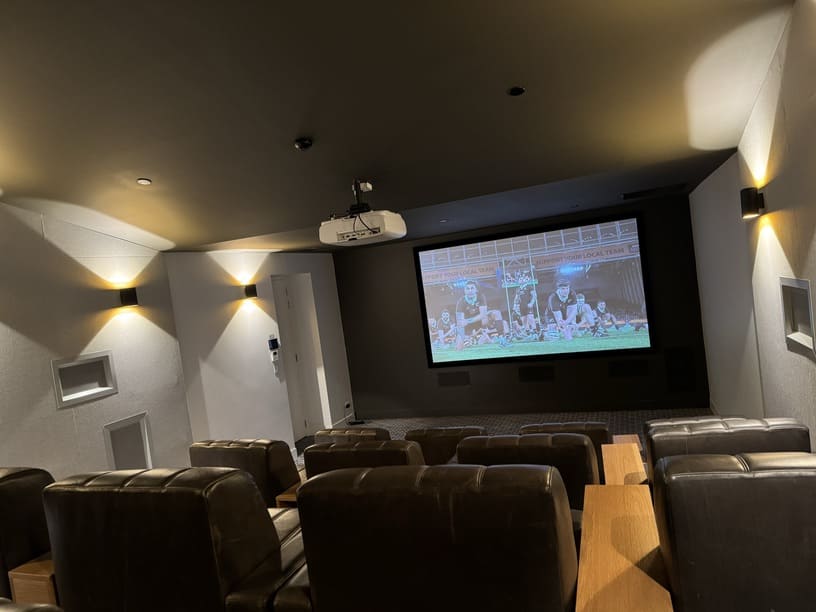
A Movie scene might:
- turn on the television or projector
- select the correct streaming source
- activate the sound system
- lower the blinds
- dim the room lighting
The technology behind the scene may be complex, but using it should not be.
Normal wall controls and remotes should also remain intuitive for family members and guests. A good system should never require someone to understand how every device is connected.
5. Keep security easy to check
Smart security gives homeowners better visibility without requiring them to be physically present.
Depending on the system, you may be able to:
- view cameras remotely
- answer the door through an intercom
- receive alerts when someone enters
- check whether doors are locked
- arm or disarm selected alarm zones
- provide temporary access to a visitor or contractor
Security can also form part of wider scenes. An Away scene might switch off unnecessary lighting, close blinds, lock connected doors and arm the alarm together.
The benefit is not simply having more security technology. It is being able to understand and manage the property more easily.
6. Manage holiday homes from a distance
Smart home solutions can be particularly useful for holiday properties or homes that remain empty for part of the year.
Remote access may allow an owner to:
- check security before arriving
- adjust heating or cooling
- provide temporary entry to guests
- monitor key areas of the property
- confirm that lighting and connected equipment are off
- prepare the home before a visit
Controls should be especially simple when guests use the property. They should be able to manage lighting, entertainment and comfort without needing instructions for several different systems.
The systems behind a smarter home
A smart home may connect several areas of the property.
Lighting and blinds
Lighting scenes, dimmers, sensors and motorised blinds can adjust a room for different times of day and activities.
Heating and climate
Connected controls can make temperature settings easier to manage through schedules, scenes or remote access.
Audio and entertainment
Multi-room audio, televisions and home theatres can be controlled through one consistent interface.
Security and access
Cameras, alarms, intercoms and connected entry systems can provide clearer visibility and simpler access management.
Wi-Fi and networking
Reliable connectivity supports apps, streaming, control interfaces and communication between connected systems.
Safe N Sound’s smart home automation services bring these elements together around the way each home is used, rather than treating them as a collection of unrelated products.
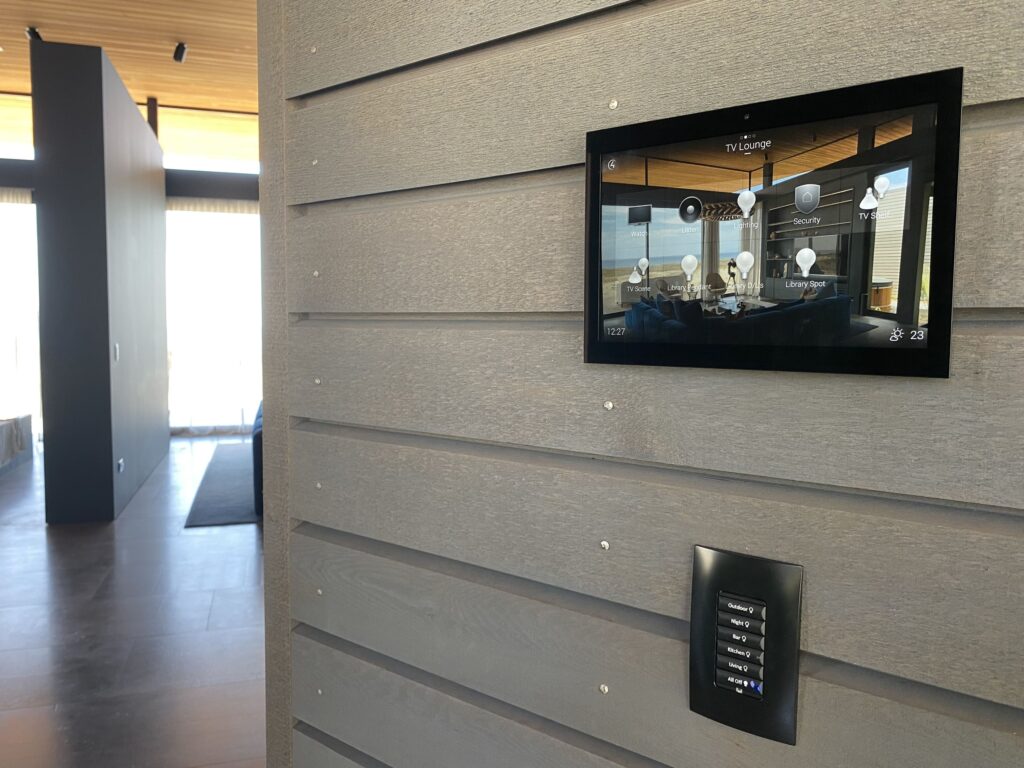
Smart home technology is not only for new builds
New builds provide the greatest flexibility because cabling, equipment locations and controls can be planned before the walls are closed.
However, existing homes can also be upgraded.
Depending on the property and the type of system, smart technology can be added to:
- villas and bungalows
- apartments
- renovated family homes
- lifestyle properties
- holiday homes
- individual rooms or entertainment areas
A retrofit may use a combination of existing wiring, wireless controls and targeted cabling. The best approach depends on the home, the current infrastructure and how much integration is required.
It is also possible to complete the work in stages. A homeowner might begin with lighting and security, then add audio, blinds or wider automation later.
Good smart home design should feel simple
A common mistake is focusing on what the technology can do rather than what the homeowner actually needs.
More features do not automatically create a better experience.
Before designing the system, it helps to understand:
- which routines you repeat every day
- which controls currently frustrate you
- which rooms you use most
- who needs to operate the system
- whether remote access is important
- what may be added in future
The final controls should feel natural. Family members and visitors should still be able to use the lights, entertainment and other essential features without needing technical knowledge.
A real example: Grey Lynn renovation
The Grey Lynn renovation shows how integrated technology can be introduced into an existing Auckland home without overwhelming its interior design.
The project brought together electrical upgrades, smart home automation, AV, networking and security. The systems were coordinated to provide simpler everyday control while remaining discreet within the renovated home.
It demonstrates an important point: a smart home does not need to look highly technical. When the planning is done well, the technology supports the home without becoming its main visual feature.
Questions to consider before choosing a system
Before selecting products or platforms, think about the experience you want to create.
Ask:
- Which daily tasks would I most like to simplify?
- Do I want one-room control or a whole-home system?
- Which features need to work remotely?
- Can the system expand later?
- Will normal wall controls remain easy to use?
- Is the home network reliable enough?
- Who will provide programming and ongoing support?
Starting with these questions helps ensure the technology is selected around your needs rather than the other way around.
Frequently Asked Questions
A smarter home should work around you
Smart home technology is most valuable when it quietly improves the moments that happen every day.
It can simplify how you arrive home, prepare for bed, entertain guests, enjoy music or check your property while away. The strongest systems are not designed around having the most gadgets. They are designed around the people living in the home.
Ready to Make Your Home Simpler?
Tell Safe N Sound which parts of your home feel disconnected, repetitive or difficult to manage. Our team can help you explore practical automation options for an existing property, renovation, new build or holiday home.
Book a residential consultation to start planning a smarter home that fits the way you actually live.









[…] sense, and how to future-proof your home for smarter living. It also ties in with our wider work in smart home solutions, helping homeowners get more value from the technology already in their […]
[…] you want a deeper dive into what integrated smart living looks like, our article on Smart Home Solutions That Make Everyday Life Better is a helpful place to […]