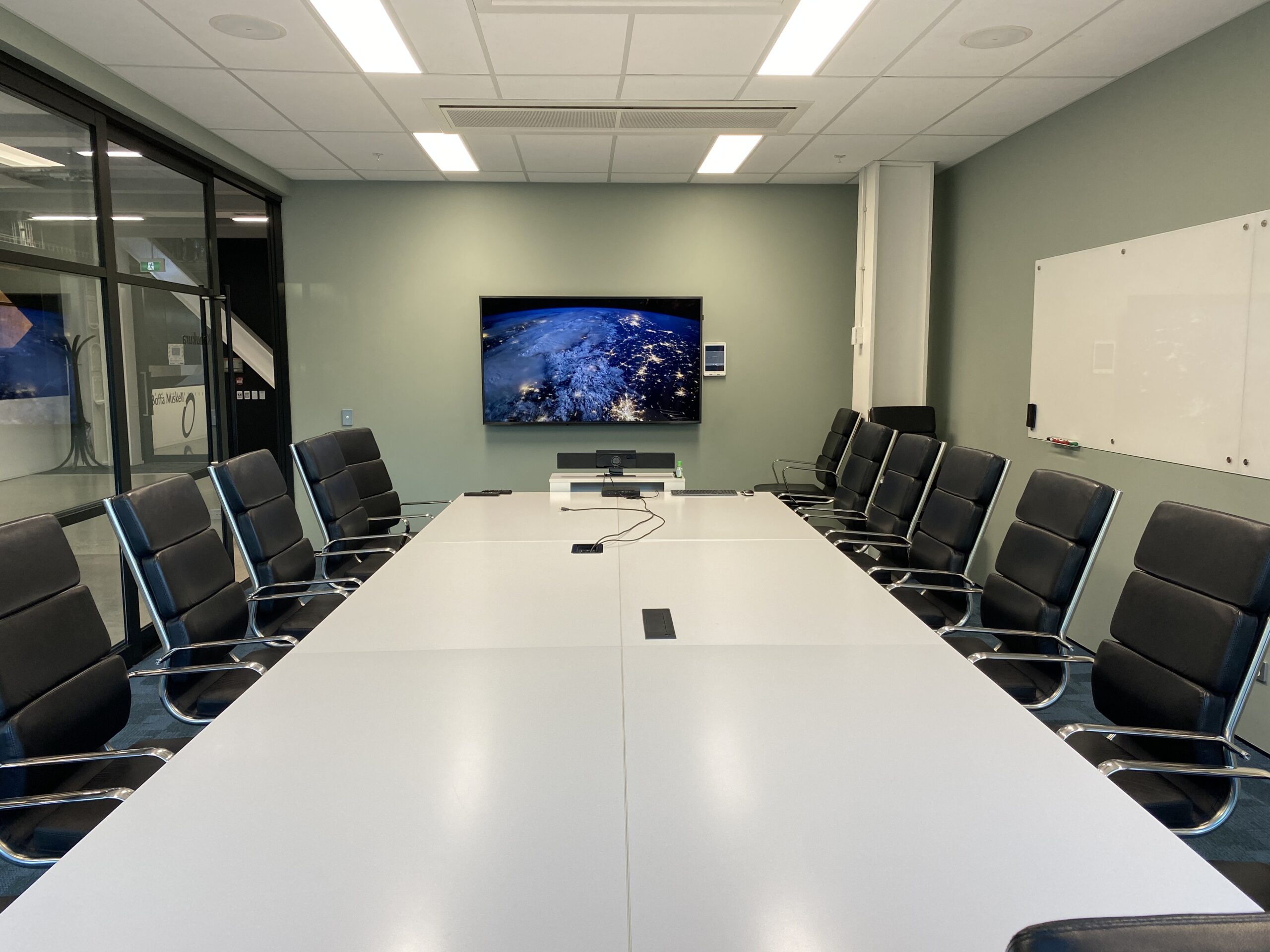
A modern workplace needs more than fast Wi-Fi and a screen in the meeting room.
As offices become more flexible, hybrid and technology-dependent, the systems behind the workplace need to work together. Meeting rooms, video conferencing, room booking, networking, digital displays and access systems all affect how easily people can use the space.
The challenge is that these systems are often introduced separately.
A meeting room gets upgraded when calls become frustrating. A booking system is added when rooms become difficult to manage. Wi-Fi is addressed when coverage becomes unreliable. The result can be a workplace filled with good technology that still feels disconnected.
A better approach is to consider workplace technology as one connected environment.
Here are the core systems that make that possible.
1. A Reliable Network Comes First
Almost every modern workplace system depends on the network behind it.
Video conferencing, wireless presentation, room booking panels, cloud-based workplace tools and connected displays all rely on stable connectivity.
That means workplace technology planning should start with questions such as:
- Is Wi-Fi coverage consistent across the office?
- Can meeting rooms support high-quality video calls reliably?
- Is there sufficient network capacity for the number of connected devices?
- Are wired connections available where fixed equipment needs them?
- Can the network support future workplace technology without constant upgrades?
Poor connectivity can make perfectly good workplace technology appear unreliable.
For that reason, network and Wi-Fi infrastructure should be treated as part of the wider workplace design rather than something considered after all the other systems have been selected.
Safe N Sound’s Wi-Fi and networking solutions can be planned alongside workplace systems so the infrastructure supports the technology that depends on it.
2. Meeting Rooms Need More Than a Display
Putting a large screen on the wall does not automatically create an effective meeting room.
Modern meeting spaces may need to support:
- Video conferencing
- Wireless presentations
- Content sharing
- Cameras
- Microphones
- Speakers
- Room controls
- Multiple meeting platforms
- Hybrid participants joining remotely
The aim should be simple: somebody should be able to walk into the room, start the meeting and use the technology without needing technical support.
That becomes particularly important when an organisation has several meeting rooms.
If every room operates differently, employees need to learn a new process every time they move between spaces. Standardising the experience can make workplace technology considerably easier to use.
Our guide to Better Video Conferencing for NZ Businesses looks more closely at how meeting-room technology can support hybrid collaboration without adding unnecessary complexity.
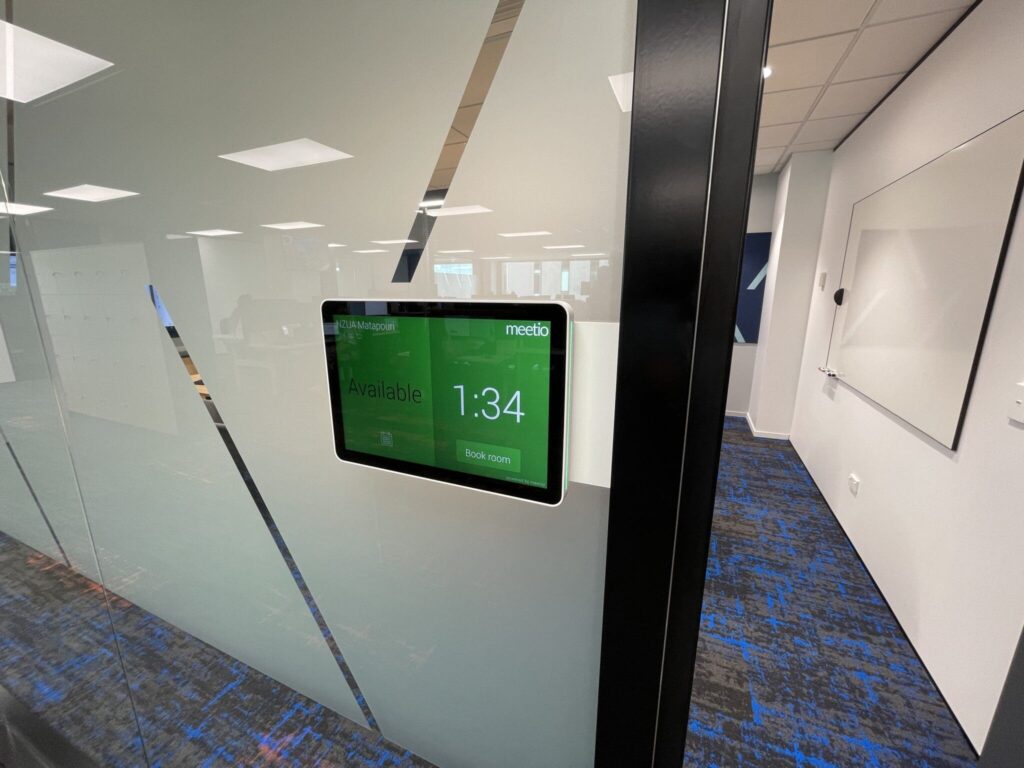
3. Room Booking Should Connect to the Meeting Experience
A meeting room can have excellent AV and still be frustrating if nobody knows whether the room is available.
Room booking systems help staff understand:
- Which rooms are available
- When they are booked
- How long they are booked for
- Which spaces are appropriate for a particular meeting
- Whether a room has the technology required
Booking panels outside meeting rooms can also provide immediate visibility without requiring staff to search through calendars or interrupt meetings to check availability.
More advanced workplace management systems can extend beyond meeting rooms into areas such as desk booking, visitor management, wayfinding and workplace utilisation.
The important point is that room booking should not exist in isolation from the room itself.
Safe N Sound’s workplace management solutions bring together room scheduling, collaboration technology and other workplace tools within a more coordinated environment. The wider Workplace Management Solutions for Modern NZ Offices guide explains how these systems can support flexible and hybrid workplaces.
4. Video Conferencing Needs to Work for Both Sides of the Call
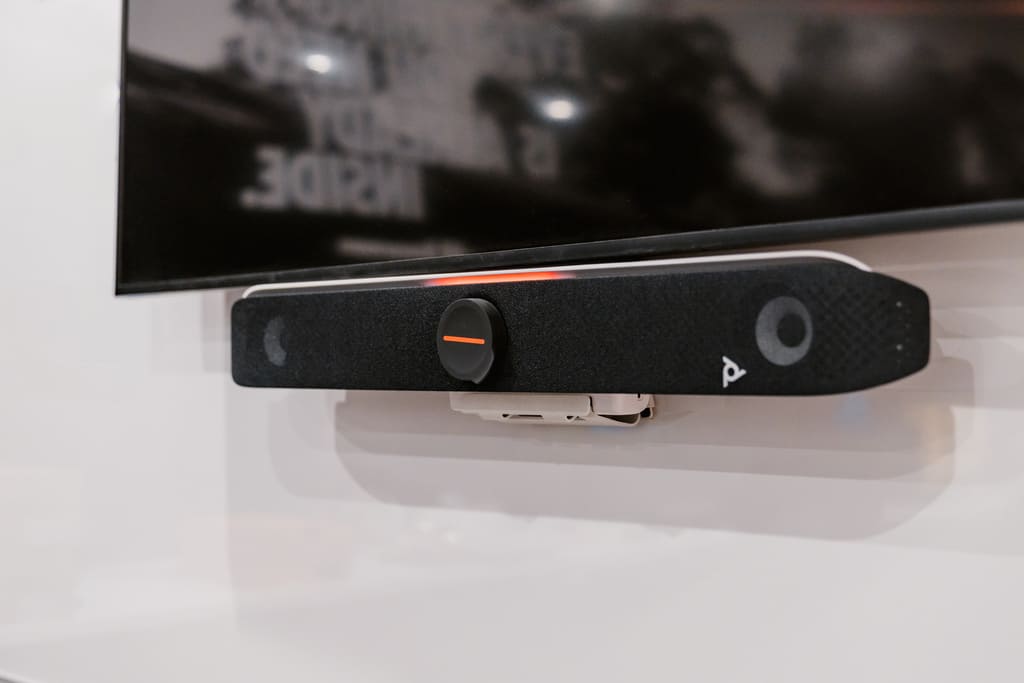
Hybrid meetings have introduced another challenge: the meeting room needs to work just as well for the person joining remotely as it does for the people sitting around the table.
That means considering more than simply whether the camera turns on.
A good conferencing environment needs to address:
Camera coverage
Remote attendees should be able to see the people in the room clearly without awkward framing.
Microphone coverage
Everyone around the table needs to be heard without having to lean towards a microphone or repeat themselves.
Room audio
Remote participants should sound clear without excessive echo, feedback or uneven volume.
Display positioning
People in the room need to be able to see remote participants and shared content comfortably.
Simple controls
Starting a meeting should not involve navigating several remotes, input menus or applications.
The individual components matter, but how they are designed to work together matters even more.
Safe N Sound provides dedicated video conferencing solutions for New Zealand workplaces, including systems designed around hybrid meetings and simple day-to-day operation.
5. Workplace Technology Should Support Flexible Spaces
The traditional office was relatively predictable.
People had assigned desks. Meetings happened in meeting rooms. Larger presentations happened in boardrooms.
Modern workplaces tend to be more flexible.
The same environment may need to accommodate:
- Formal meetings
- Hybrid calls
- Informal collaboration
- Client presentations
- Training sessions
- Company-wide events
- Hot desking
- Quiet individual work
Technology needs to reflect that flexibility.
That may mean creating spaces where displays can switch between video conferencing and presentations, or where larger shared areas can support both everyday use and internal events.
The objective is not to put technology everywhere. It is to make each space capable of supporting the activities that actually happen there.
6. Digital Signage Can Improve Workplace Communication
Screens around an office can do more than display branding.
Workplace digital signage can support:
- Internal announcements
- Company updates
- Visitor information
- Room availability
- Wayfinding
- Event information
- Health and safety messaging
When digital displays are connected to the wider workplace environment, information can be updated centrally rather than relying on printed notices or manually updated screens.
This becomes particularly useful across larger offices or organisations with multiple shared spaces.
7. Security and Access Should Be Considered Alongside Workplace Systems
Workplace technology is not only about collaboration.
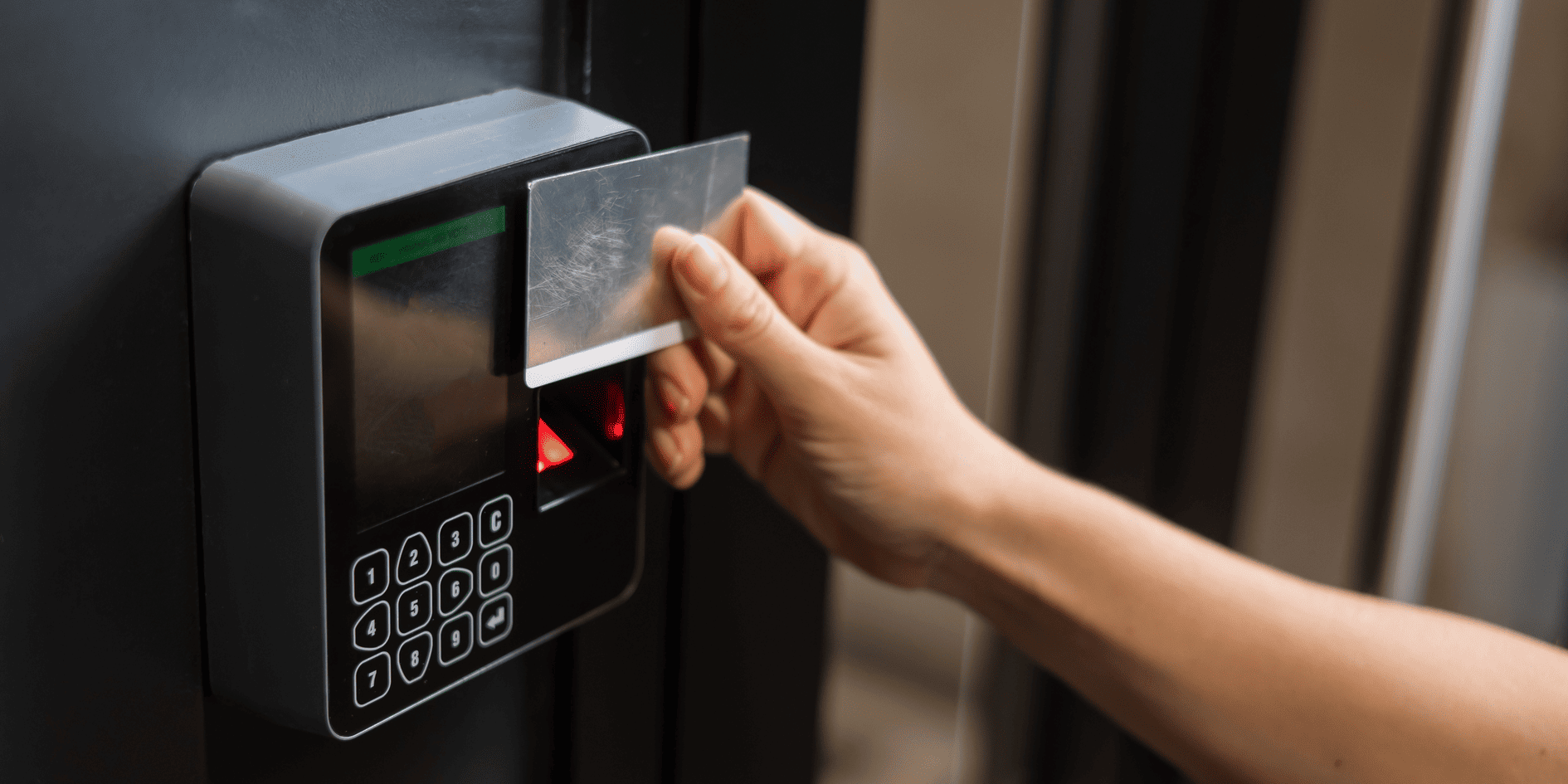
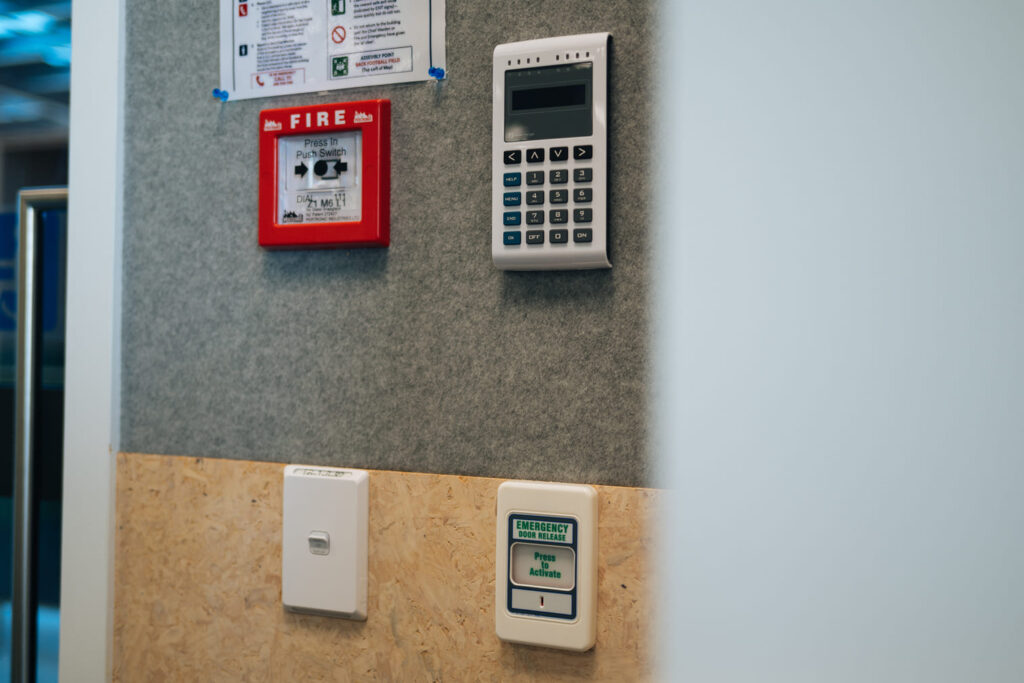
Businesses also need to manage who can enter the building and, in some cases, who can access particular areas within it.
Depending on the workplace, this may involve:
- Electronic access control
- Visitor management
- CCTV
- Intercoms
- Alarms
- Restricted-area permissions
There can also be useful connections between workplace management and security.
For example, visitor management and access control can form part of the same wider approach to managing how employees, contractors and visitors move through the workplace.
Planning these requirements together can reduce the risk of introducing separate systems that later need to be forced to work alongside one another.
8. Simple Control Matters More Than More Features
A workplace can contain highly capable technology and still be frustrating to use.
The most successful systems usually hide much of the complexity from the person using them.
A meeting room might have cameras, microphones, speakers, switching equipment and network infrastructure behind the scenes, but the employee using it may only need to see a simple touchscreen with options such as:
- Start Meeting
- Present
- End Meeting
The same principle applies across workplace technology.
Staff should not need to understand how the system works internally. They need to understand what to press to achieve what they want.
When planning a workplace technology upgrade, usability should therefore be considered alongside technical capability.
9. The Systems Should Be Designed Together
The biggest opportunity often comes from looking beyond individual products.
A meeting room AV system depends on the network.
A room booking panel depends on calendars and workplace systems.
Video conferencing depends on the acoustics, microphones, cameras, displays and connectivity within the room.
Visitor management may interact with security and access control.
Digital signage may share infrastructure with other workplace displays.
Planning these technologies separately can create unnecessary duplication and complexity.
Planning them together creates an opportunity to simplify the workplace.
That is the thinking behind Safe N Sound’s broader workplace management approach, where technology is designed around how the workplace actually operates rather than around individual pieces of equipment.
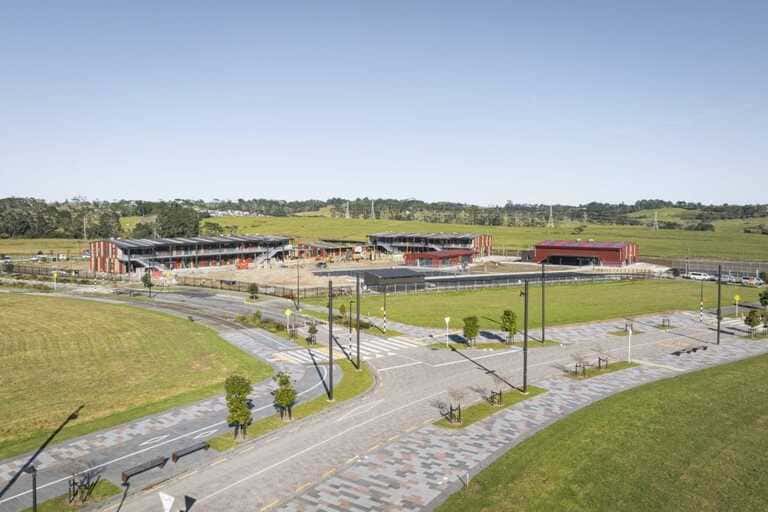
A Real Workplace Example: Constellation Brands, Auckland
Safe N Sound’s work at Constellation Brands in Westgate, Auckland shows what this coordinated approach can look like in practice.
The project combined meeting-room AV, video conferencing, wireless presentation technology, room booking screens and centralised control across different workplace spaces.
The office needed to support everyday meetings, hybrid collaboration, presentations and larger internal events while keeping the technology straightforward for staff to use.
Rather than installing each system independently, the workplace technology was designed as one connected environment.
What Should Businesses Prioritise First?
Not every office needs every workplace technology system.
A smaller workplace may only need reliable networking, one well-designed meeting room and straightforward video conferencing.
A larger hybrid office may benefit from room booking, desk management, multiple collaboration spaces, visitor systems and workplace analytics.
The right starting point is to understand:
- How people actually use the office
- Where the current frustrations are
- Which spaces need to support hybrid work
- What technology already exists
- Which systems need to communicate with each other
- What the organisation is likely to need in the next few years
From there, technology can be designed around the workplace rather than forcing the workplace to adapt to the technology.
Frequently Asked Questions
A Better Workplace Is Not About Adding More Technology
The goal of workplace technology should not be to fill an office with more screens, controls and connected devices.
It should be to remove friction.
Employees should be able to find a meeting room, start a call, share content and move between spaces without having to think about the technology supporting them.
Achieving that usually requires the network, AV, conferencing, workplace management and supporting systems to be considered together.
When those foundations are right, the technology becomes less noticeable and the workplace becomes easier to use..
Planning a Workplace Technology Upgrade?
Safe N Sound designs and integrates workplace management, AV, video conferencing, networking and connected technology solutions for offices and commercial environments across Auckland and New Zealand.
Whether you’re planning a new office fit-out, upgrading meeting rooms or trying to simplify an existing workplace technology setup, bringing the systems together early can create a more reliable and intuitive result.
Talk to Safe N Sound about creating a more connected workplace.