
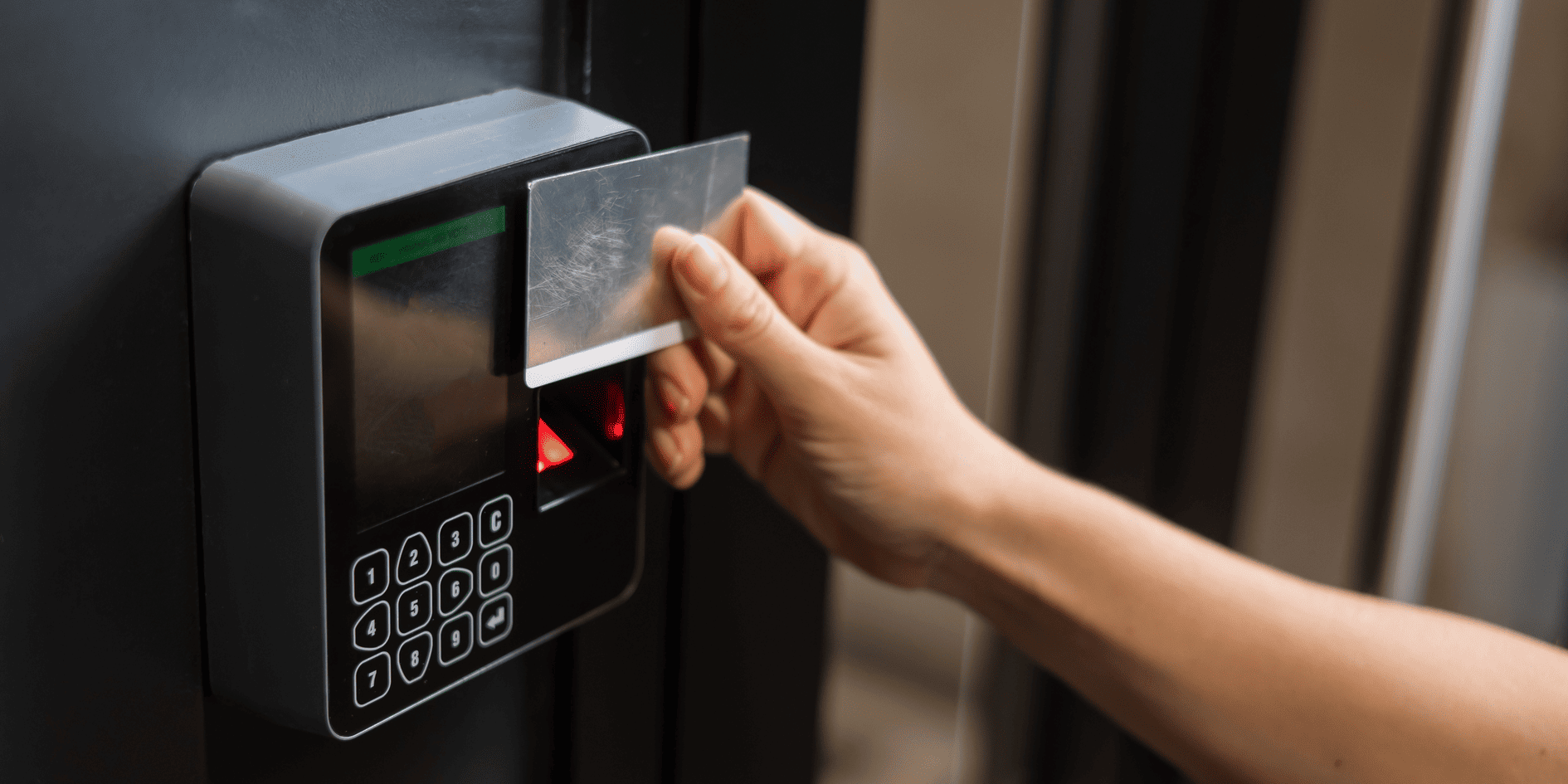
Security is no longer only about locks, keys and alarm codes. For many New Zealand businesses, it starts with having better control over who can enter the building, when they can enter and which areas they can access.
An access control system replaces or supports traditional keys with credentials such as cards, fobs, PIN codes, mobile phones or biometric identification. Permissions can be changed quickly, lost credentials can be cancelled and entry activity can be reviewed when needed.
For offices, gyms, retail spaces, hospitality venues and larger commercial facilities, this creates a more secure and practical way to manage everyday access.
What is an access control system?
An access control system manages entry to a building or specific areas within it.
Instead of relying on one physical key that may be copied, lost or shared, each authorised person receives their own credential. The system then decides whether access should be granted based on the permissions assigned to that user.
For example, a business might allow:
- all employees through the main entrance during working hours
- managers into restricted areas
- cleaners into the building during scheduled periods
- contractors through selected doors for a limited time
- gym members into the facility at any hour
- IT staff into server and communications rooms
This gives the business more flexibility than traditional locks while creating clearer visibility over how the site is being accessed.
Why NZ businesses are moving beyond traditional keys
Physical keys are simple, but they become difficult to manage as a business grows.
When someone loses a key or leaves the company, the business may not know whether copies still exist. Changing locks can also be disruptive and expensive, particularly across a site with several doors.
Access control gives businesses a more manageable alternative.
Lost access can be cancelled
A missing card, fob or mobile credential can be disabled without changing the physical lock for every user.
Permissions can change with the person’s role
When an employee changes teams or responsibilities, their access can be updated without issuing a completely new set of keys.
Entry can be limited by time
A contractor may be given access only during a scheduled window, while staff may be restricted to normal operating hours.
Activity can be reviewed
The system can record when a credential was used and which entry point was accessed.
The system can expand
New users, doors and areas can often be added as the business grows or the property changes.
For many organisations, these benefits make access control easier to manage and more suitable for modern operations.
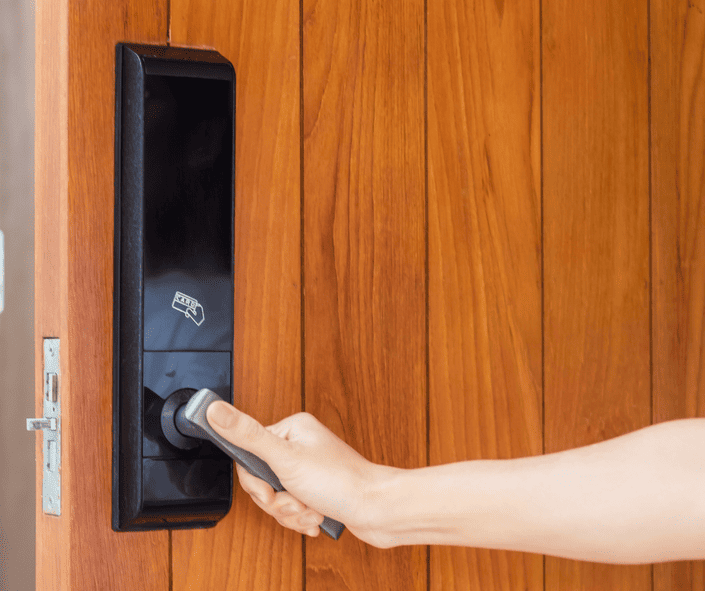
Common access-control credentials
Businesses can choose from several ways of identifying authorised users.
Access cards and fobs
Cards and fobs remain common because they are straightforward to issue, replace and use.
They can suit:
- offices
- commercial buildings
- warehouses
- gyms
- staff-only areas
- managed properties
Each credential is connected to an individual user, allowing permissions to be changed without altering the physical door hardware.
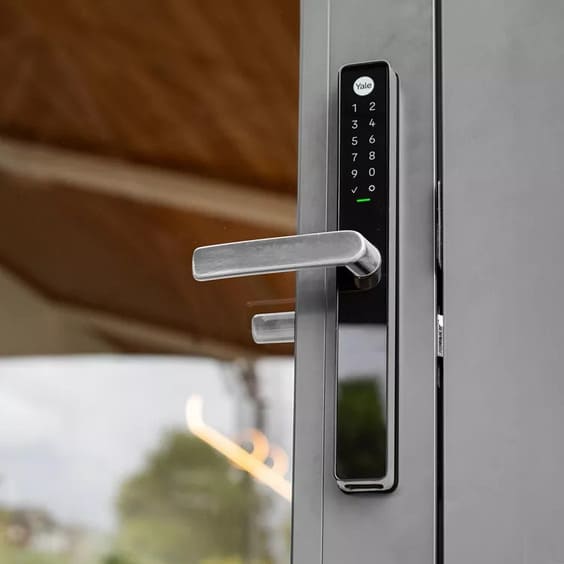
PIN and keypad access
A keypad allows entry using a numerical code.
This may work for smaller teams, secondary access points or areas where carrying a card is inconvenient. However, shared codes can reduce accountability if they are passed between users.
For stronger control, businesses may combine a PIN with a card, fob or mobile credential.
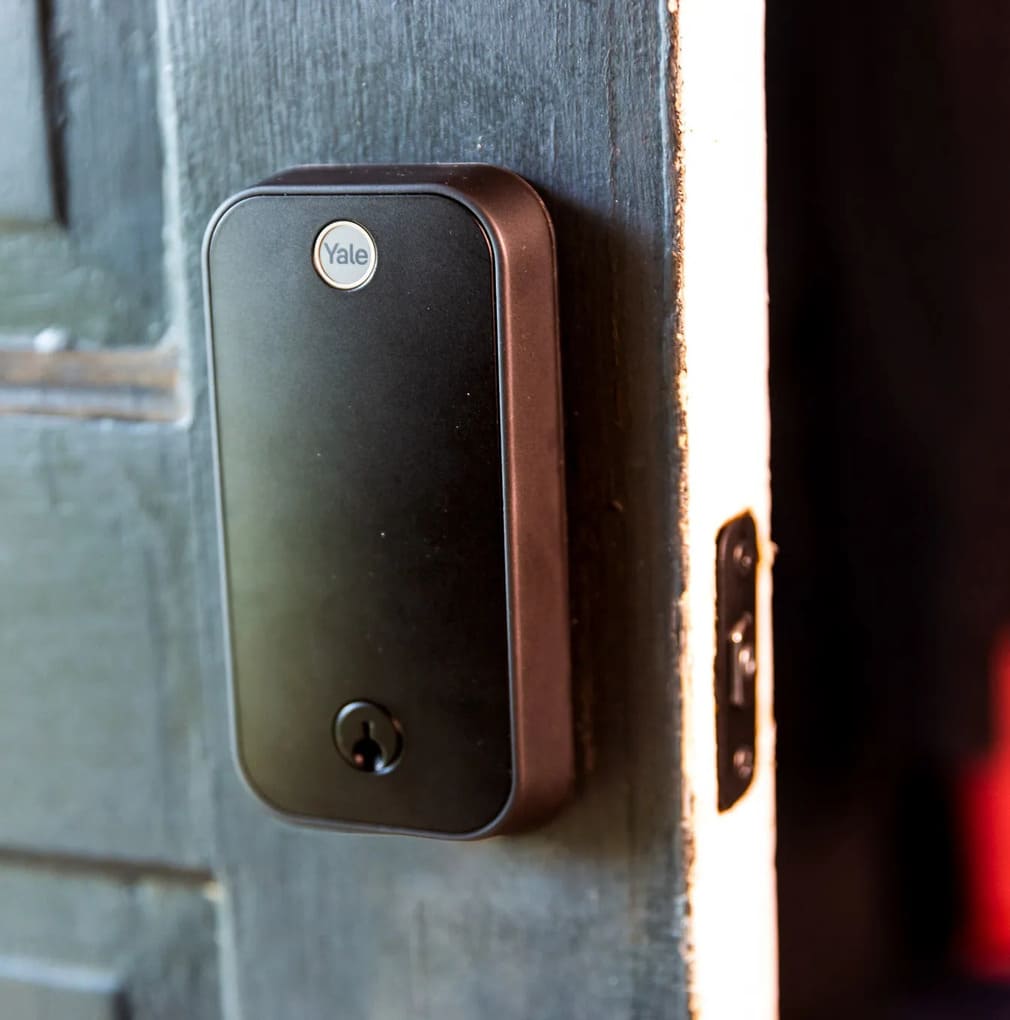
Mobile access
Mobile access allows an authorised user to unlock a door through a smartphone.
This can reduce reliance on physical cards and make it easier to issue or revoke access remotely. It may be particularly useful for distributed teams, shared workplaces, managed properties and temporary visitors.
Biometric access
Biometric systems use features such as fingerprints or facial recognition to verify identity.
They can provide a convenient option in environments that need stronger individual identification. However, the privacy, operating environment and practical needs of the site should be considered carefully before choosing this approach.
The most advanced credential is not automatically the best one. The right choice depends on how the business operates and who needs to use the system.
Access by person, role or schedule
A good system should reflect the way the organisation works rather than applying the same access to everyone.
Individual permissions
Access can be assigned person by person. This may suit smaller businesses with a limited number of users and straightforward requirements.
Role-based access
Permissions are assigned according to a person’s role.
For example:
- employees can enter general work areas
- managers can access secure storage
- finance staff can enter records rooms
- IT staff can access server areas
- cleaning teams can enter selected zones after hours
This makes access easier to administer when several people need the same permissions.
Time-based access
Entry can be restricted according to a schedule.
A gym member may have 24/7 access, while staff-only rooms remain unavailable. A contractor may be allowed into a property only between 9 am and 3 pm for the duration of a project.
Time-based access helps businesses support flexible operating hours without giving every user unrestricted entry.
Area-based access
Larger properties may be divided into zones, allowing each user to access only the areas relevant to them.
This can be useful in:
- multi-tenanted buildings
- warehouses
- health and wellness facilities
- offices with confidential departments
- venues with public and staff-only areas
- properties containing specialist equipment
Where access control can be used
Access control is not limited to the main entrance.
Depending on the site, it may manage:
- reception and staff entrances
- internal office areas
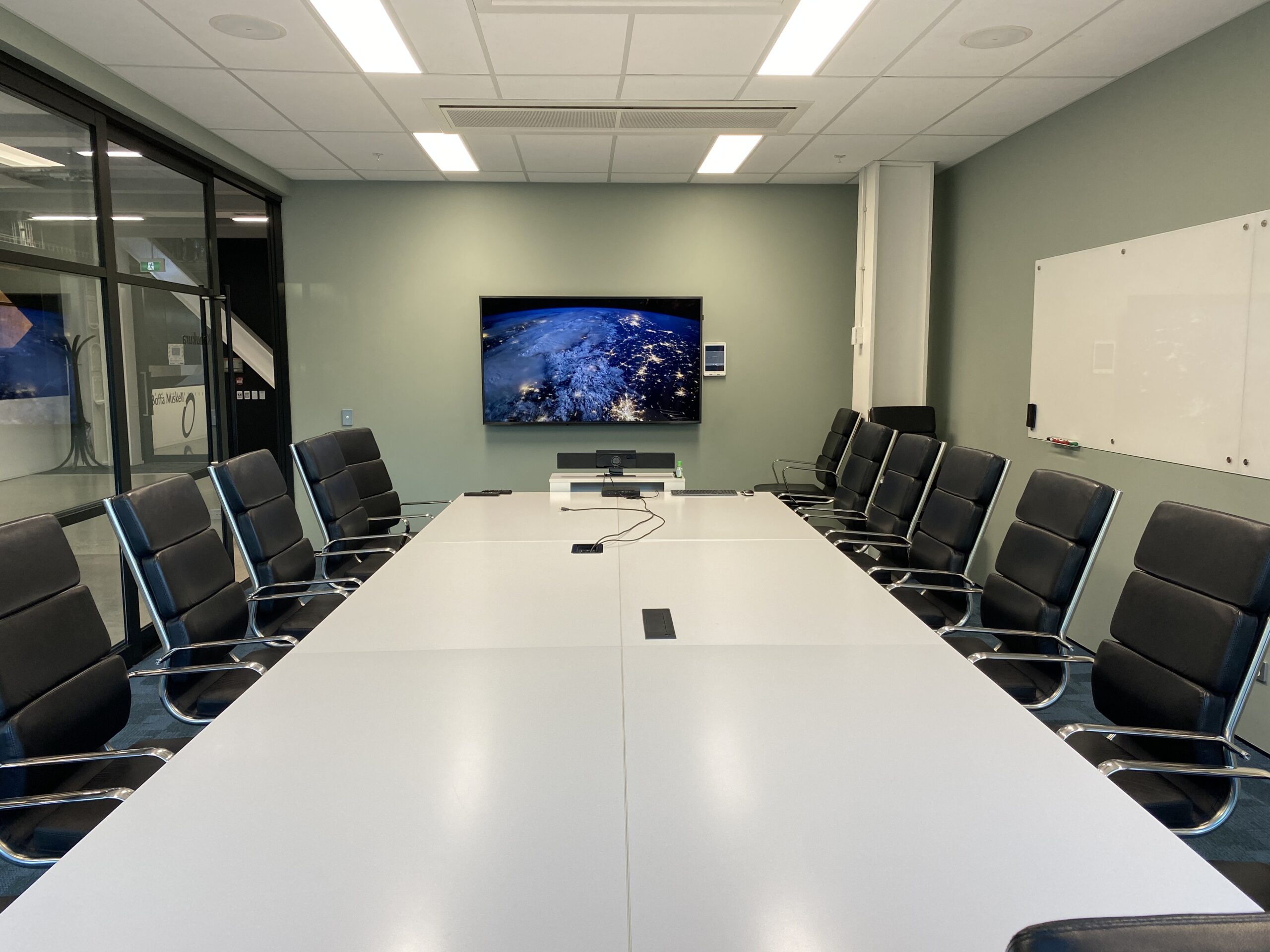
- meeting and records rooms
- server and communications rooms
- stockrooms
- loading areas
- gates and car parks
- gyms and after-hours facilities
- storage cabinets
- plant and equipment rooms
- lifts and selected floors
Looking beyond the front door helps the business create a more complete access plan.
Access control for offices
Modern offices often need to manage employees, visitors, hybrid teams, cleaners and external contractors.
An office access-control system can help:
- separate public and staff-only areas
- manage entry outside normal hours
- restrict sensitive rooms
- cancel access when employees leave
- coordinate access across several floors
- support shared or flexible workspaces
Access control can also work alongside visitor management, intercoms and meeting-room technology to create a more consistent workplace experience.
Access control for gyms and wellness facilities
Gyms often operate for extended hours or without staff permanently positioned at reception.
An access-control system can help verify members, manage subscription-based entry and keep staff-only areas secure.
It may support:
- 24/7 member access
- different membership permissions
- temporary visitor entry
- secure changing or recovery areas
- restricted staff and equipment rooms
- integration with CCTV and alarms
The system needs to be reliable and simple because it becomes part of the member’s everyday experience.
Access control for retail and hospitality
Retail stores, restaurants, bars and hospitality venues may need to manage access across customer-facing and operational areas.
That can include:
- public entrances
- stockrooms
- kitchens
- offices
- cash-handling areas
- delivery entrances
- staff facilities
- after-hours access
Separating these areas helps businesses keep sensitive spaces secure without making daily operations unnecessarily difficult.
Integrating access control with CCTV and alarms
Access control is more useful when it operates as part of a wider security system.
Safe N Sound’s commercial security solutions can bring access control together with CCTV, alarms, intercoms and remote management.
Access control and CCTV
When a door event occurs, the system may help connect the access record with relevant camera footage.
This creates a clearer picture of:
- who used the credential
- which door was accessed
- when the event occurred
- what was happening around the entrance
Access control and alarms
The access system may also coordinate with selected alarm functions.
For example, an authorised opening procedure could disarm part of the property, while an after-hours access event could trigger additional monitoring or notification rules.
Access control and intercoms
An intercom can allow staff to speak with a visitor and release the door remotely once their identity has been confirmed.
The exact integrations depend on the chosen systems and how the site operates, but planning them together usually produces a more practical result than installing each one separately.
Cloud-managed and remote access control
Some modern access-control systems can be managed through a secure online platform.
Depending on the setup, authorised administrators may be able to:
- add or remove users
- change permissions
- review access events
- unlock selected doors
- manage multiple locations
- issue temporary credentials
- receive alerts
Remote management can be particularly valuable for businesses with several sites, holiday properties, shared facilities or managers who are not always physically present.
However, the wider network and security design still matter. Remote access should be set up carefully so the system remains reliable and protected.
Common access-control mistakes
Choosing the credential before understanding the workflow
Cards, fobs, mobile phones and biometrics are only part of the decision.
The project should begin by understanding:
- who uses the building
- which areas they need
- when they need access
- what happens when someone leaves
- how visitors are handled
- who will administer the system
The credential can then be selected around those needs.
Focusing only on the main entrance
Internal doors, gates, storage areas and after-hours entry points may present just as much risk as the front door.
A site assessment should consider the entire property.
Giving too many people unrestricted access
Access should be based on what each user needs rather than providing broad permissions for convenience.
Role and zone-based permissions can help reduce unnecessary access.
Installing access control separately from other systems
CCTV, alarms, intercoms and access control often support one another. Planning them separately can create duplicated equipment, inconsistent controls and missed integration opportunities.
Ignoring future growth
A system suitable for one entrance and ten staff may not support a second site, additional doors or a much larger team.
The design should consider how the business may change.
Making the system difficult to use
Good security should not create constant frustration for authorised users. Entry should remain quick and intuitive while still providing the required level of control.
Planning access control for a new fit-out
A new commercial fit-out is the best time to plan access control properly.
Early involvement allows the project team to coordinate:
- door hardware
- electric locking
- card readers and keypads
- intercom locations
- cabling routes
- power supplies
- network connections
- CCTV coverage
- alarm integration
- equipment cabinets
- future access points
Leaving these decisions until doors, walls and ceilings are complete can limit the available options and create avoidable rework.
Upgrading an existing access system
Businesses do not always need to start again.
An assessment may show that some existing components can remain, while others need updating.
An upgrade might involve:
- replacing unsupported controllers
- moving from shared codes to individual credentials
- adding mobile access
- extending access control to more doors
- improving reporting
- integrating CCTV or alarms
- modernising the management interface
- replacing unreliable readers or locks
The right approach depends on the age, condition and compatibility of the existing equipment.
Real access-control projects
The Social Project Porirua
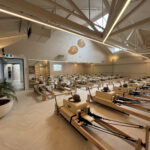
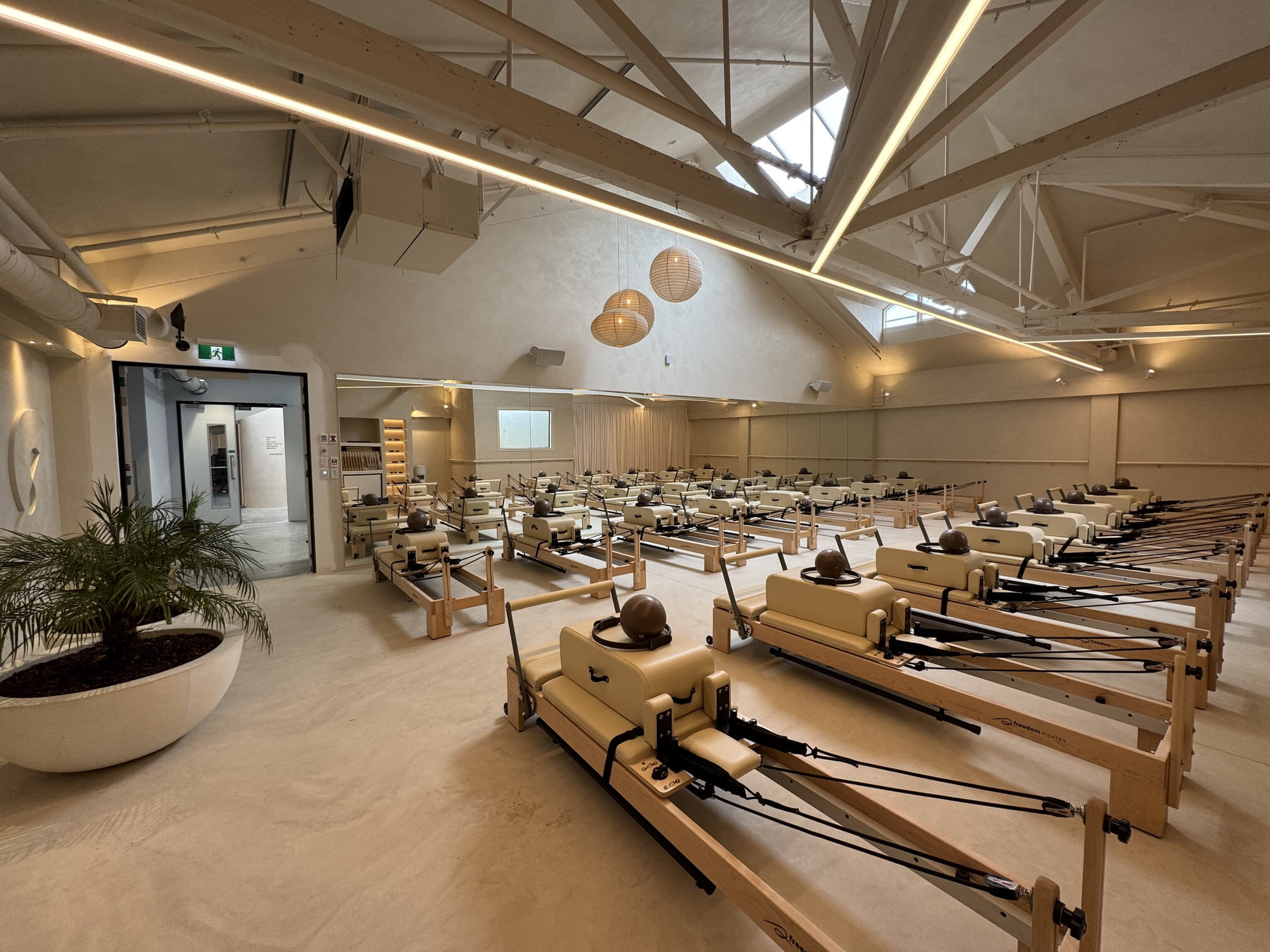
At The Social Project Porirua, Safe N Sound integrated access control, alarms and CCTV as part of a wider technology solution for a 24/7 lifestyle club.
The system needed to support secure member access while protecting staff and operational areas. It demonstrates how access control can form part of both the security strategy and the customer experience.
BlueFit Gym Orewa
The BlueFit Gym Orewa project combined member-facing technology with access and wider digital infrastructure.
For a modern fitness environment, entry is not simply about unlocking the door. It needs to support how members arrive, move through the facility and use the space throughout the day.
These projects show why the access-control design should reflect the way the facility actually operates.
Questions to ask before choosing a system
Before deciding on a product or credential, ask:
- How many people need access?
- Which doors and areas should be controlled?
- Do different users need different permissions?
- Is after-hours access required?
- How will visitors and contractors be handled?
- Does the system need to work across several sites?
- Should access events connect with CCTV?
- Who will manage users and permissions?
- What happens if the network is unavailable?
- Could the system expand later?
Clear answers help the installer recommend a system that is secure, manageable and suited to the business.
Frequently Asked Questions
Build Security Around the Way Your Business Works
Access control gives businesses a more flexible way to manage people, doors and restricted areas.
The most effective system is not necessarily the one with the most advanced credential. It is the one designed around how the property operates, who uses it and how it needs to change over time.
When access control, CCTV, alarms and intercoms are planned together, the result is easier to manage and more useful day to day.
Planning an Access-Control Upgrade?
Safe N Sound designs and installs access-control and integrated security systems for offices, gyms, retail spaces, hospitality venues and other commercial properties across Auckland and wider New Zealand.
Our team can assess your entry points, user groups, operating hours and wider security requirements before recommending a practical system for the site.
Book a commercial consultation to discuss an access-control solution that is secure, scalable and easier to manage.






[…] you are looking at protecting a business, our guide on Access Control Systems in NZ: How To Secure Your Business Smartly explains how modern access control ties into wider security and […]